Unlock Iphone Without Passcode And Siri
Posted : admin On 14.10.2019How to UnIock iPhone Without Computerln purchase to protected the gadget data, Apple company offers three methods to guard the device from unauthorized customers including Encounter Identity, Passcode, mainly because nicely as Password protection. The passcode is one of the simple features which are used when your device is not able to recognize your encounter or fingerprint?
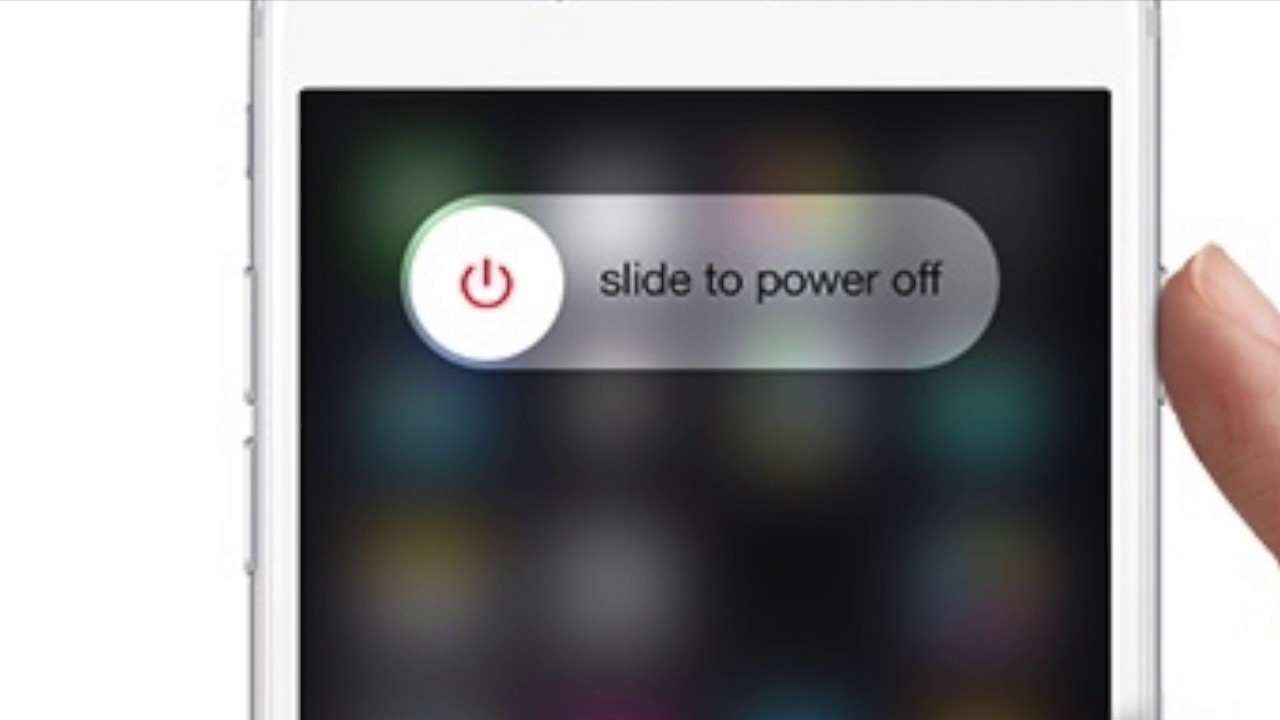
What could occur when you ignore the passcode and Encounter or fingerprint is not realizing? It will be a quite annoying situation when you enter the incorrect passcode 5 situations regularly and iPhone pops up “iPhone is certainly disabled for Times Minutes”.Moreover, it is certainly frustrating when you put on't have got a computer to unlock the secured iPhone. If you are trapped in like circumstances and want to know how to unIock iPhone without computer then, adhere to this write-up. Right here we are usually going to introduce best methods that will help you to unIock iPhone without á personal computer. Methods to Unlock iPhoné without ComputerNormally, thére is usually no standard method to unlock the iPhone gadget without making use of a computer; you need to erase your gadget. Before heading to unlock iPhone without computer using Come across My iPhone, create sure you possess a back-up of your iPhone device. Method 1: How to Unlock iPhone without Pc by Using SiriUnlock the iPhone gadget by using Siri will be a excellent way specifically when you put on't have a computer.
Unlock Iphone With Siri
Yeah, you have got heard best, you can unIock the iPhone making use of Siri. This can be the main loophole in Siri that allow the consumer to unlock the iOS device.Phase 1 At the starting, initialize the Siri on your secured gadget by holding the “Home” key.Action 2 Now, question the Siri to display the period through voice order for illustration “Hey Siri, what period can be it?”Phase 3 After providing the control, Siri will display the present time with the visual clock. Basically, faucet on the clock.Step 4 World clock will show up, tap on the “+” image to add another clock to the checklist. How to UnIock iPhone without Pc by Making use of Siri - Stage 10Step 11 Choose the image from the image collection.
Pdf creator for mac free. Mar 10, 2017 iCloud Unlock Update February 2019 iPhone/iPad 1000% Success Without Apple ID Any iOS All Models - Duration: 10:25. UNLOCK APPLE ANY iOS 1,205,052 views. Part 1: Bypass iPhone passcode without Siri using iPhone Unlock The most recommended method to unlock the locked iPhone is using iSkysoft Toolbox - Unlock (iOS). The software is specially designed to fulfill all your iOS needs.
TweetDeck (Free) Whilst technically an app that you can download from the App Store, TweetDeck for Mac is a very thin wrapper around the web app. Best free twitter app for mac 2018. These are apps that will help you in your day to day needs. But there are so many Mac apps. Which ones should you pick? What are the best Mac apps in 2018? We have sifted through the many options and come up with 10 that are the best of them all. In this list, you will find free and paid apps but they all have one thing in common.
After several seconds, press the “Home” key to open home display screen.The above tips are usually on how tó unlock iPhone withóut pc making use of Siri. You can stick to this guide phase by step to obtain an effective result.Method 2: Unlock iPhone without Computer by Making use of Come across My iPhoneTo unIock iPhone without pc, you can try to Find My iPhone functionality. Joining with this function, you can simply unlock your iPhone in several simple ways.Stage 1 First of all, you possess to download and install Find My iPhone ápp on another iPhoné gadget.Stage 2 Enter Apple account information like as Apple ID and password. Simply, enter Apple account login credential and click on on the “Sign within”.Stage 3 Right now, you will discover all the gadgets on the map that are usually connected to the same account.Stage 4 After that, select your gadget that is definitely locked by tapping on it.